

PingDrop
Everything for a video, post or article: what PingDrop is, logos, screenshots and a demo clip. Use any of it freely. If you need something that isn't here, just ask.
Describe it
Copy whichever length fits.
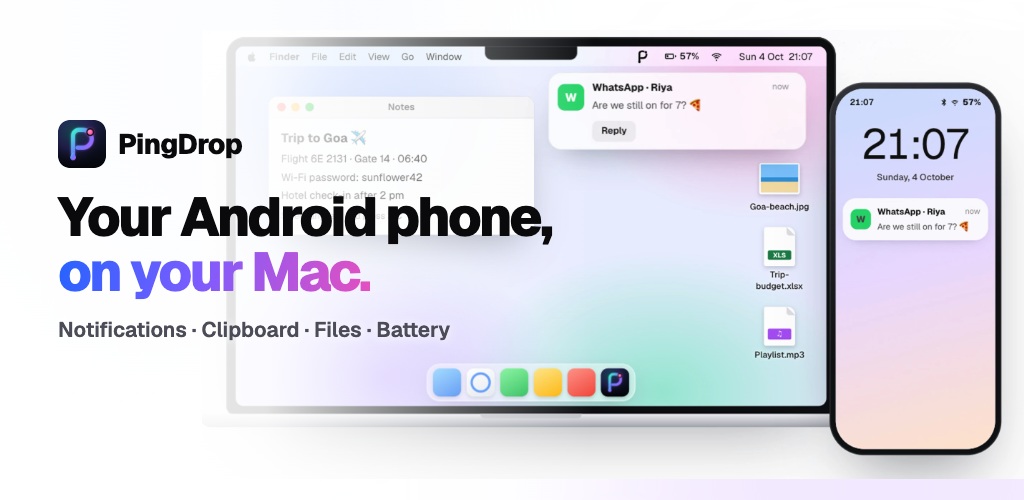
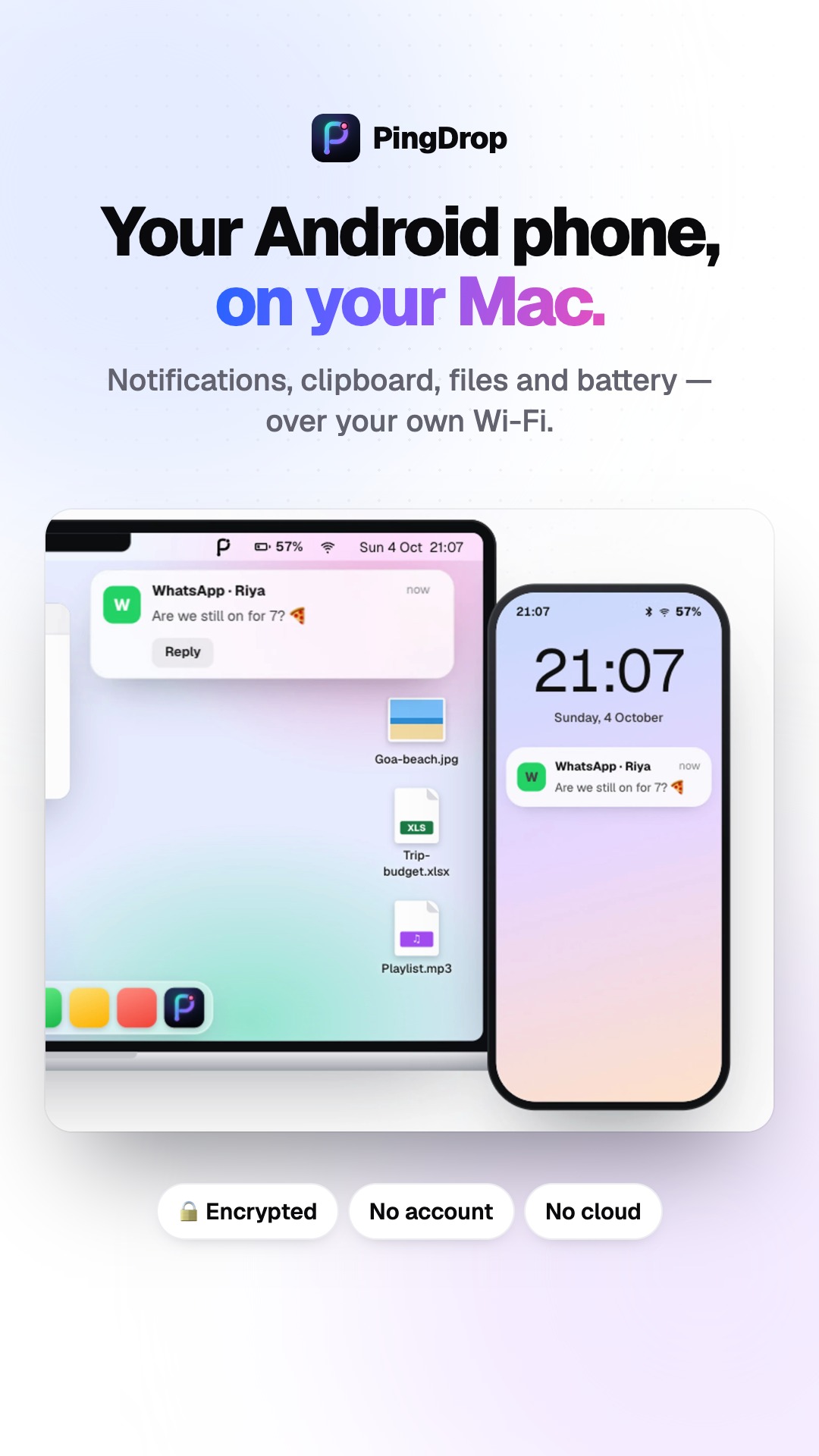
PingDrop makes an Android phone and a Mac work together like an iPhone does — notifications, clipboard and files, over your own Wi-Fi.
PingDrop is AirDrop and Continuity for people with an Android phone and a Mac. Send files and photos both ways, share one clipboard, see and reply to your phone's notifications on the Mac, and ring a lost phone from the menu bar. It works over your own Wi-Fi or Bluetooth — no cable, no account, no cloud.
Apple's devices work together: copy on the iPhone, paste on the Mac; AirDrop a photo across the room. If your phone is Android, none of that works with your Mac — until now.
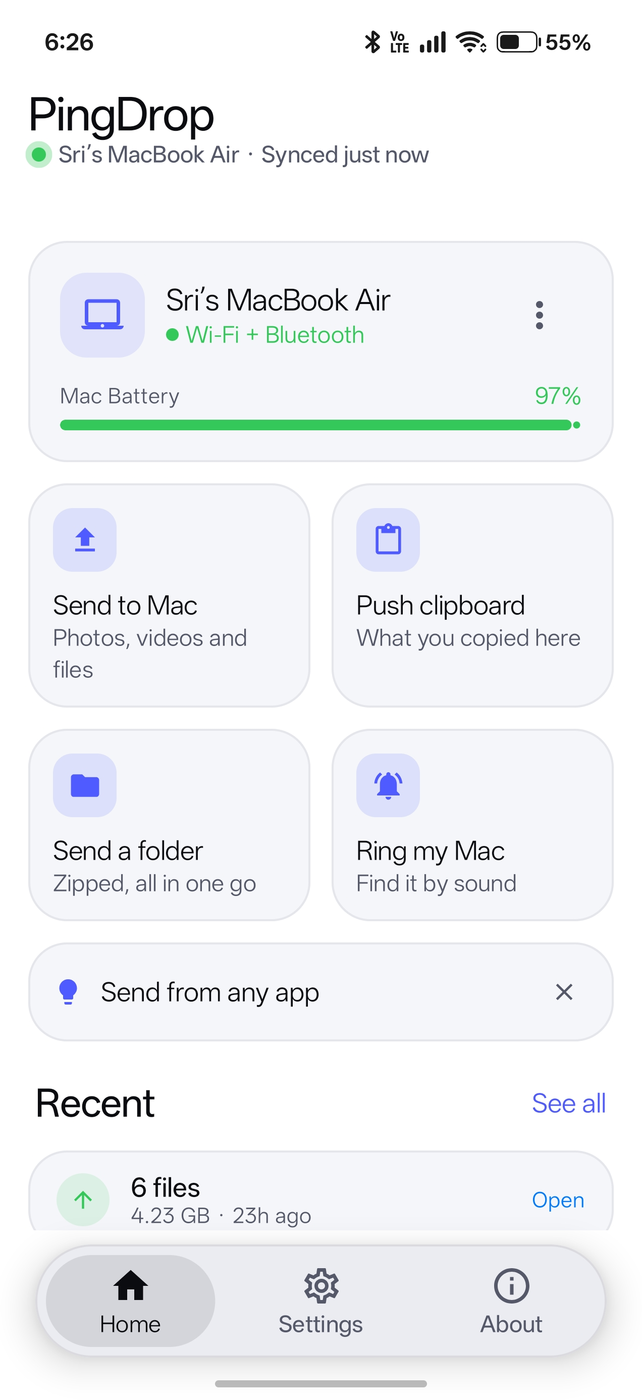
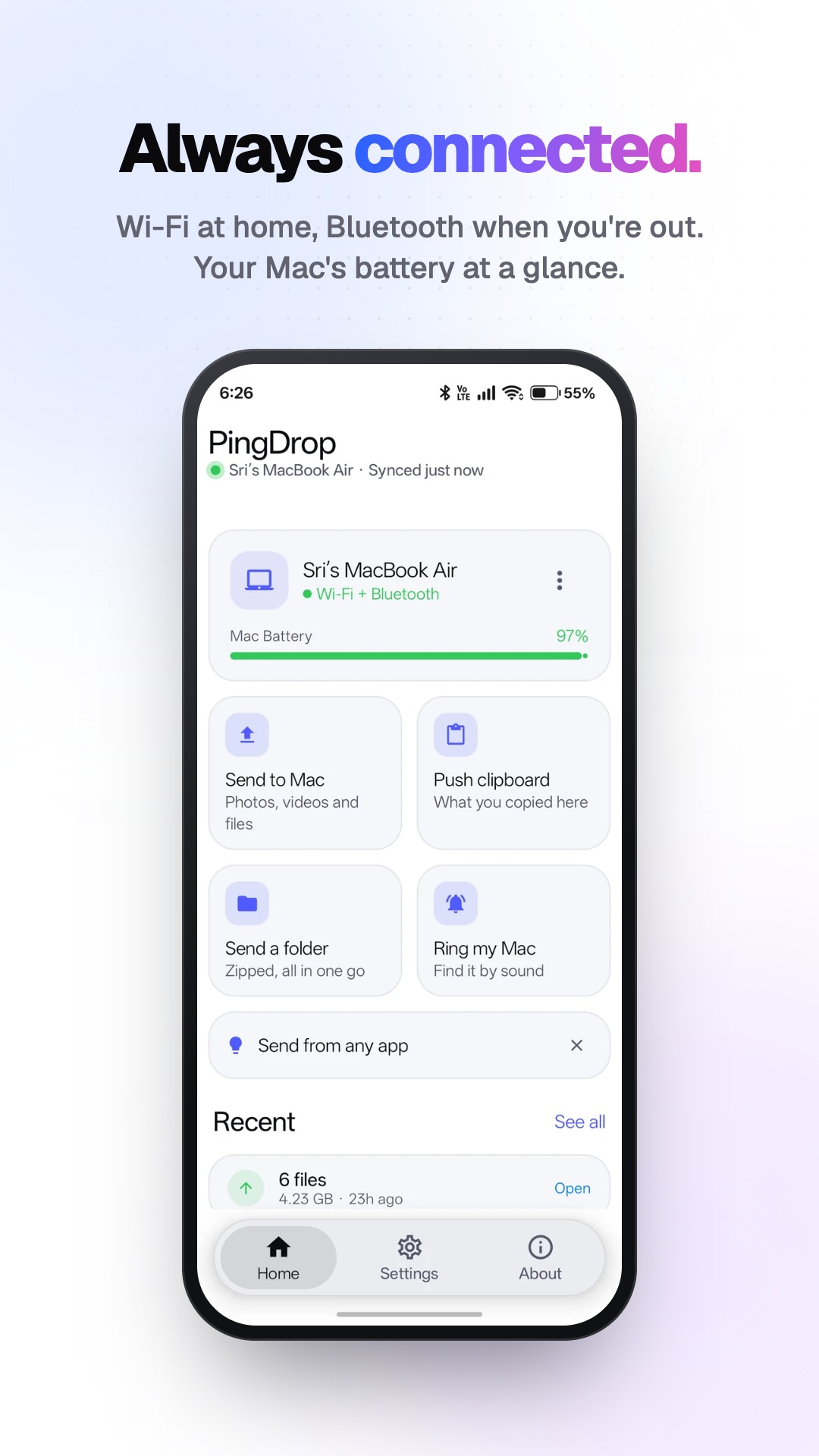
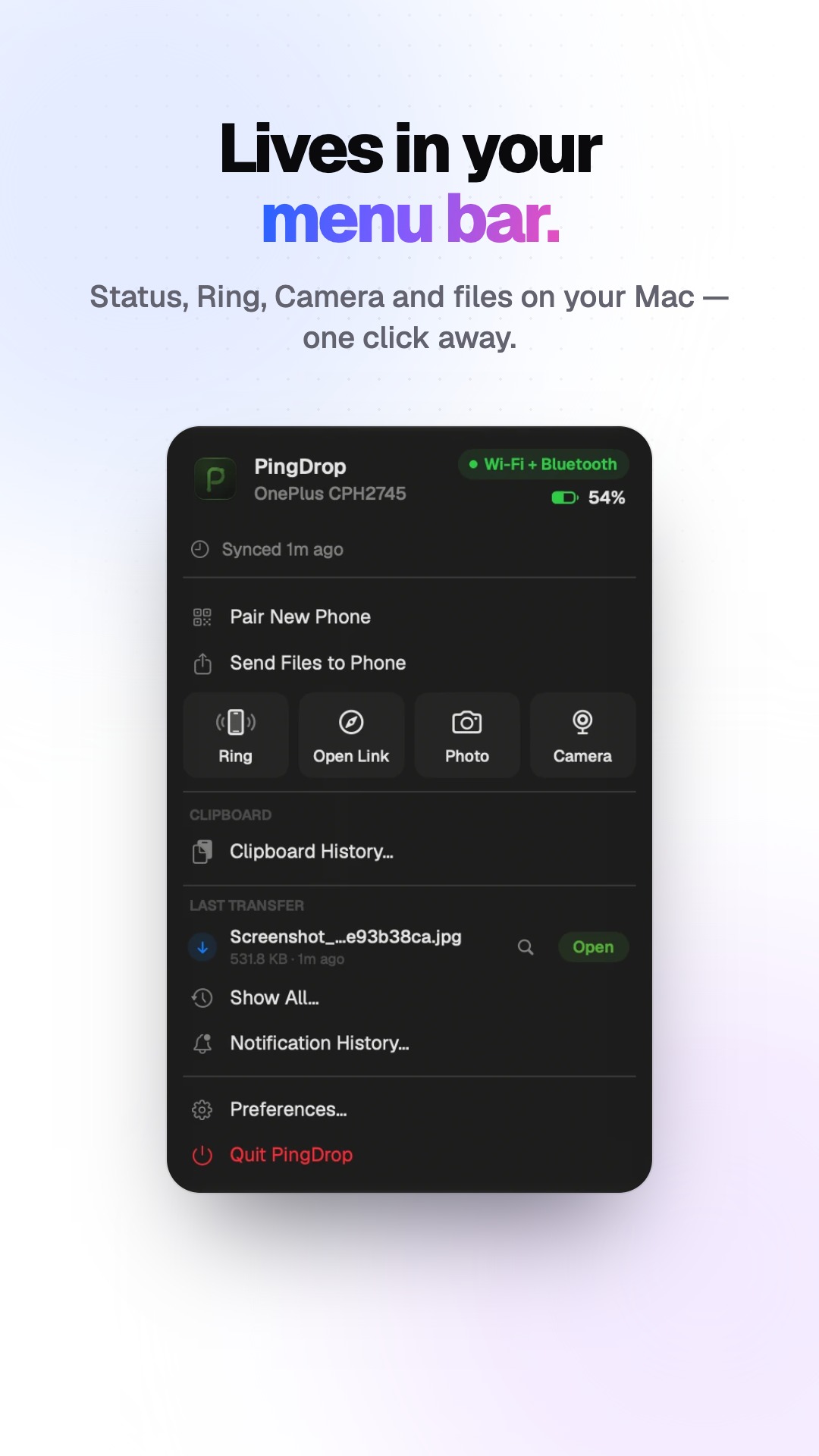
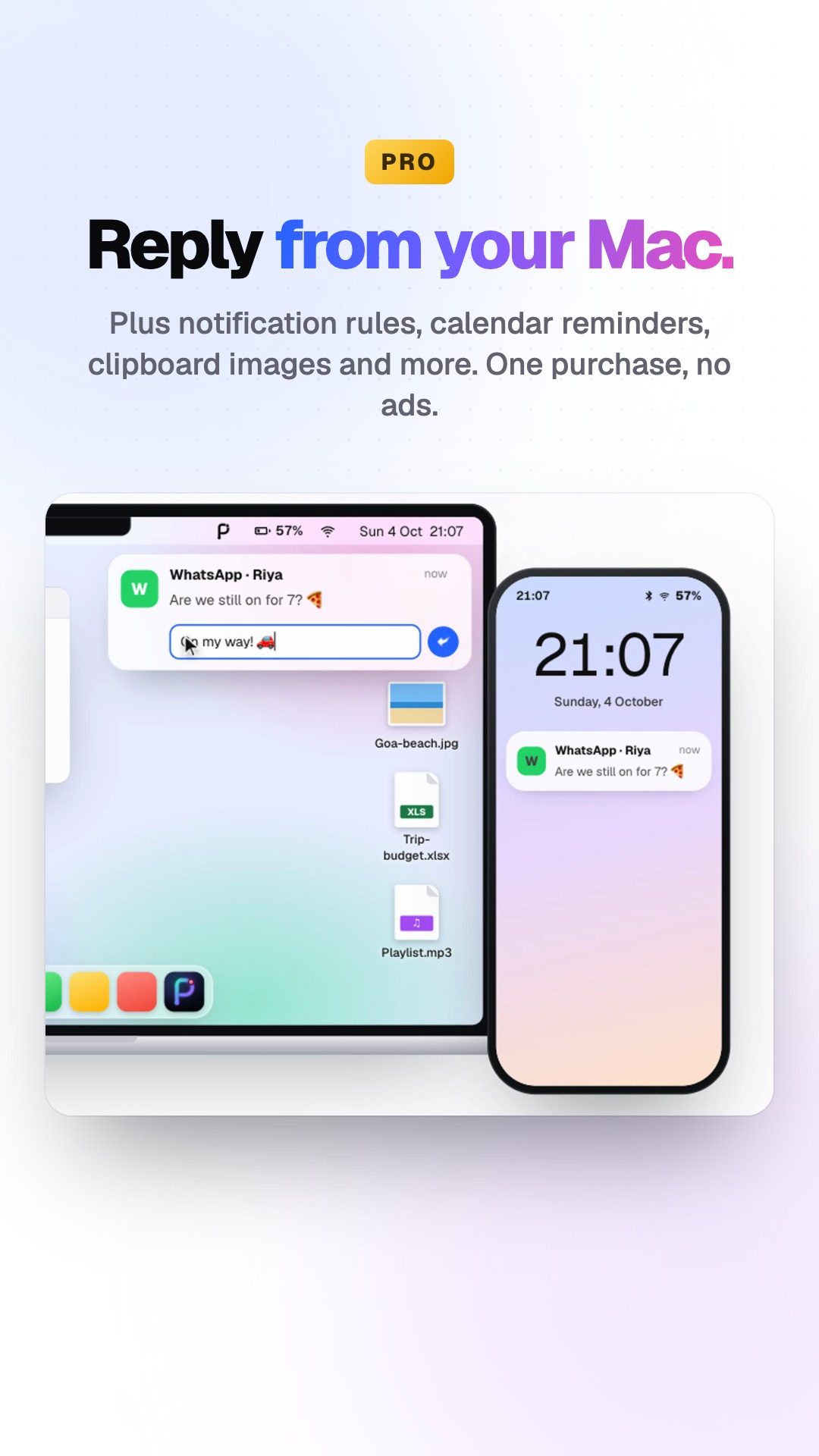
PingDrop is a pair of apps, one for Android and one for the Mac menu bar, that connect over your own Wi-Fi or Bluetooth. Your phone's notifications appear on the Mac, and you can reply from there. Copy something on one device and paste it on the other. Send files, photos and whole folders in both directions — even from Finder's right-click menu. Ring your phone when it's lost in the sofa, check its battery, and control what it's playing.
Everything travels directly between your two devices, encrypted end to end. There's no account, no cloud and no server in the middle. PingDrop is free, with a one-time Pro upgrade for extras like auto-sending screenshots and notification history.
It's made by Neeraj Reddy in India.
Quick facts
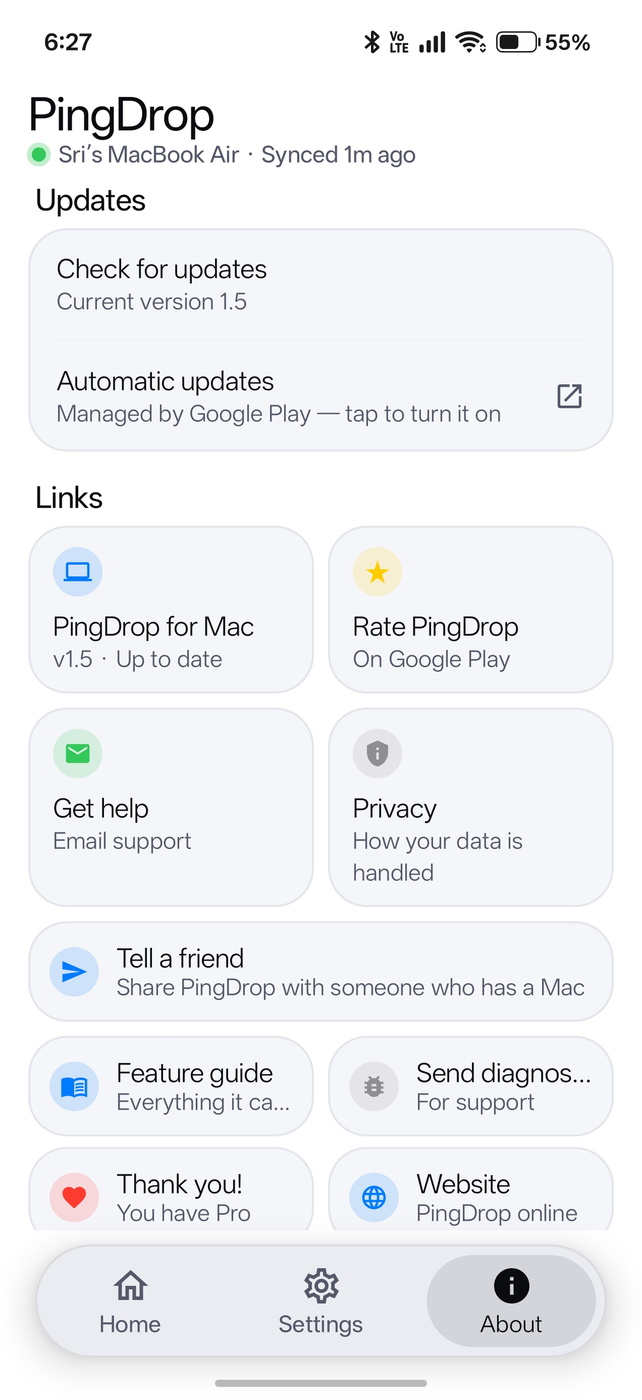
Correct as of PingDrop 1.5.
What it does
The highlights, for a voice-over or a list.
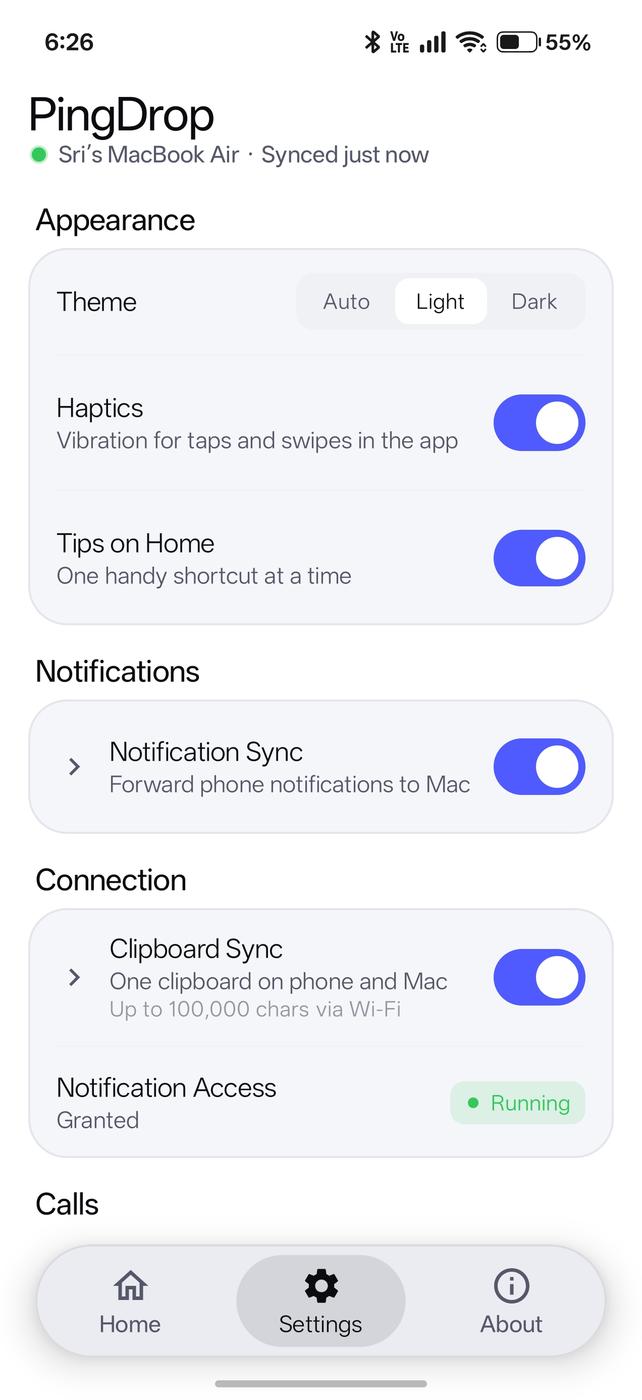
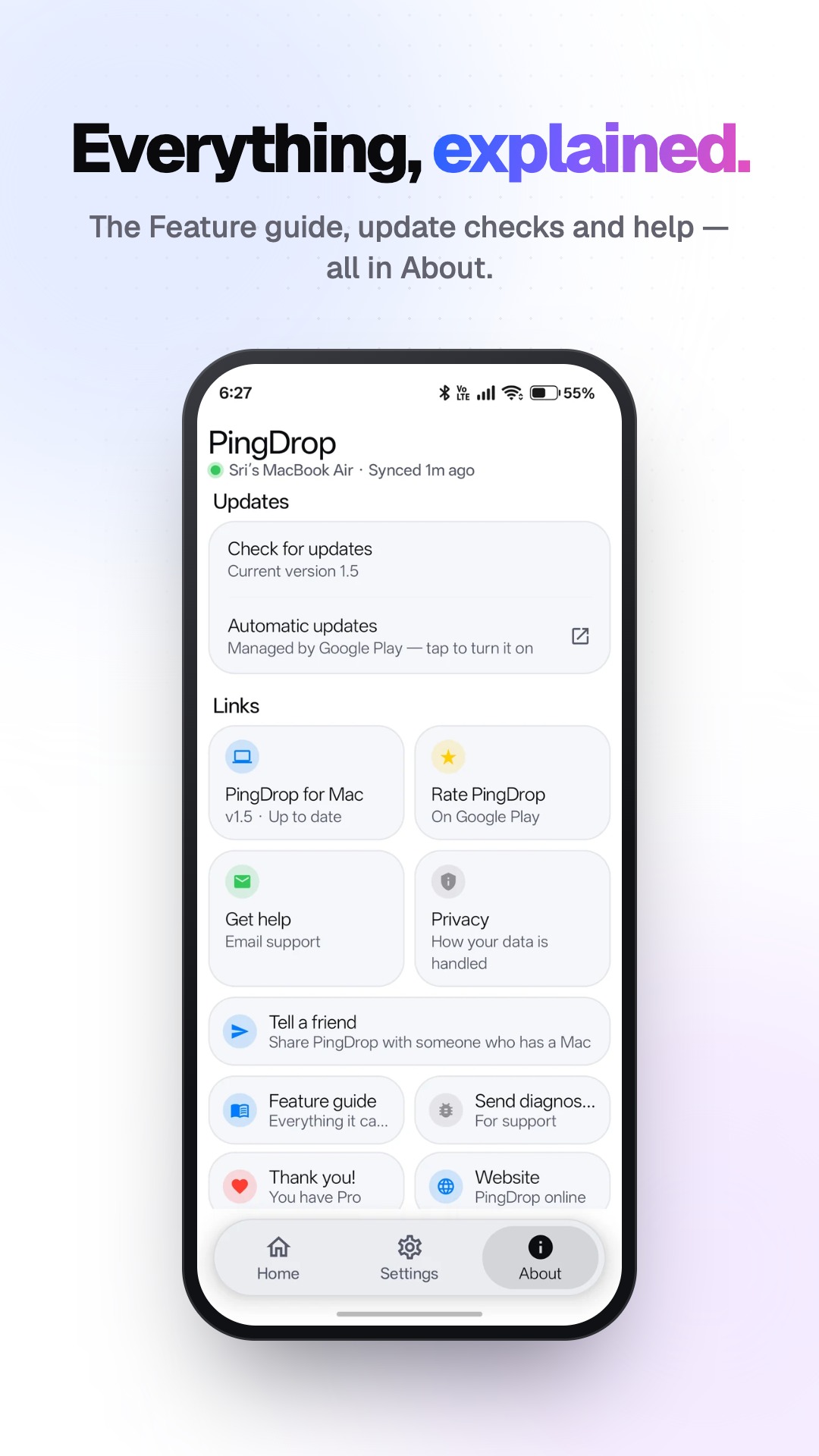
See every feature, free and Pro, and where to find it — the full guide- Notifications on the Mac — from every app; reply to messages right there
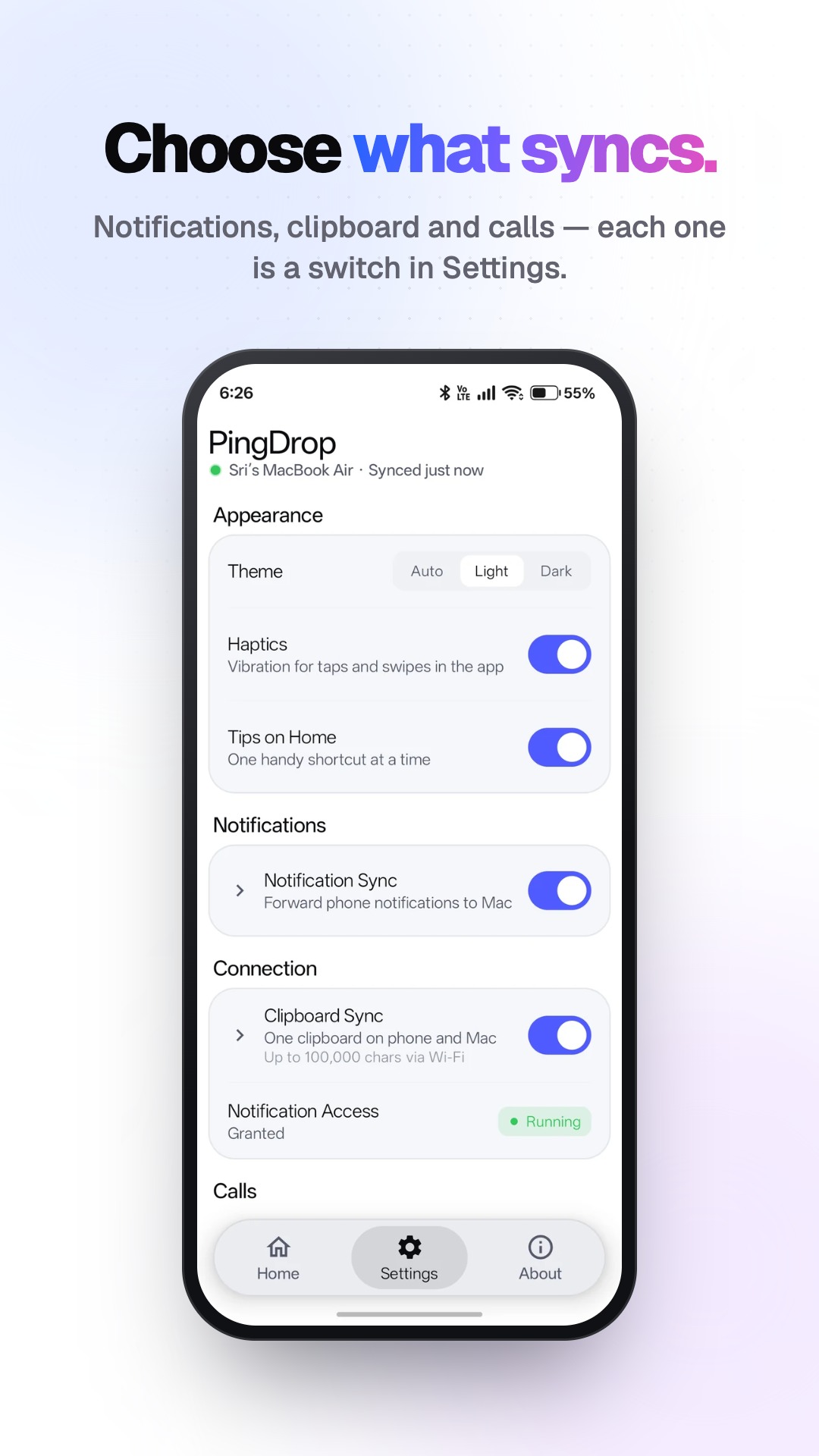
- One clipboard — copy on one, paste on the other
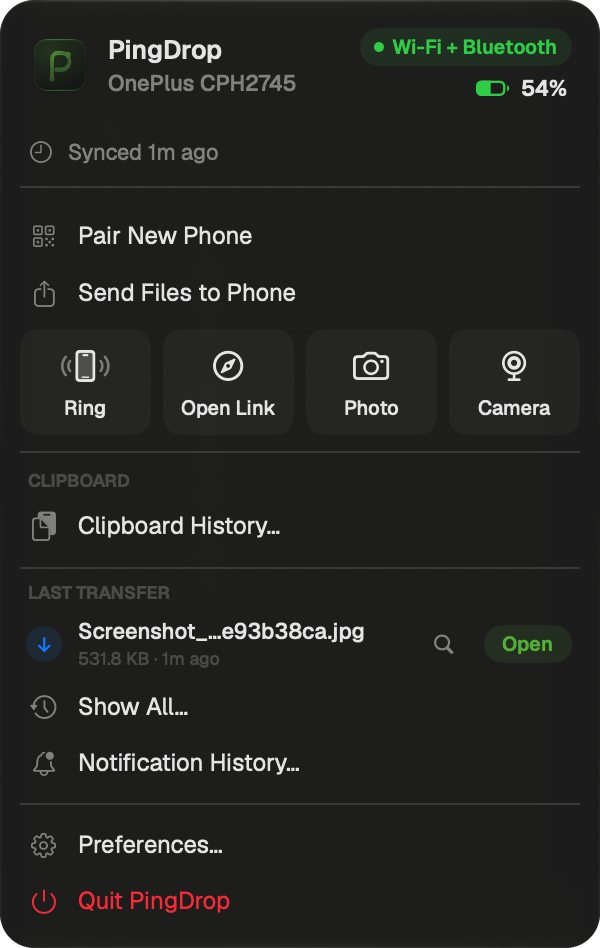
- Files both ways — photos, documents, whole folders, up to 2 GB
- Send to Phone in Finder — right-click any file
- Find my phone — rings even on silent; and ring the Mac from the phone
- Phone battery — always in the Mac menu bar
- Open a link on the other device — one tap
- Quick Settings tiles and a widget — Ring my Mac, send the clipboard, Mac battery
- Calls on the Mac — see who's calling; answer, decline or end it, with any phone app
- Mac widget, Siri and Shortcuts — phone battery and Ring on the desktop; “Ring my phone with PingDrop”
- Auto-send screenshots and foldersPRO
- Media controls — play, pause, skip the phone's music from the MacPRO
- Notification history and search — on the MacPRO
- Photo from the phone — take it, it lands on the MacPRO
- Walk-away lock — the Mac locks itself when you walk away with your phonePRO
Logo and screenshots
Click any image to open the full-size file.


Demo video
Free to use in your own video. Download the MP4.
Name and colours
Tap a colour to copy it.
- It's PingDrop: one word, capital P and capital D. Not "Ping Drop" or "Pingdrop".
- Please don't recolour or stretch the icon.
- PingDrop isn't made by, or affiliated with, Google or Apple.
Contact
For questions, interviews, review codes for PingDrop Pro, or a build ahead of an update. I reply within a day.